TripoSplat Tutorial: Single Image to 3D Gaussian Splat
TripoSplat is an open-source AI model by VAST-AI / TripoAI that converts a single 2D image into a 3D Gaussian Splat — no photo rig, no video capture, no multi-shot scanning. You upload one picture and get a splat of up to 262,144 Gaussians that downloads as a standard .ply or .splat file. This tutorial covers the fastest way to try it (free, in your browser, no signup), then all five ways to run TripoSplat, which images work best, and how to fix the most common problems.
- Open a hosted TripoSplat generator in your browser.
- Upload one image with a clear, centered subject.
- Wait for the model to generate the splat (about 10–20 seconds on a hosted GPU).
- Preview the result in 3D, then download it as
.plyor.splat. - Open the file in a Gaussian Splat viewer such as SuperSplat.
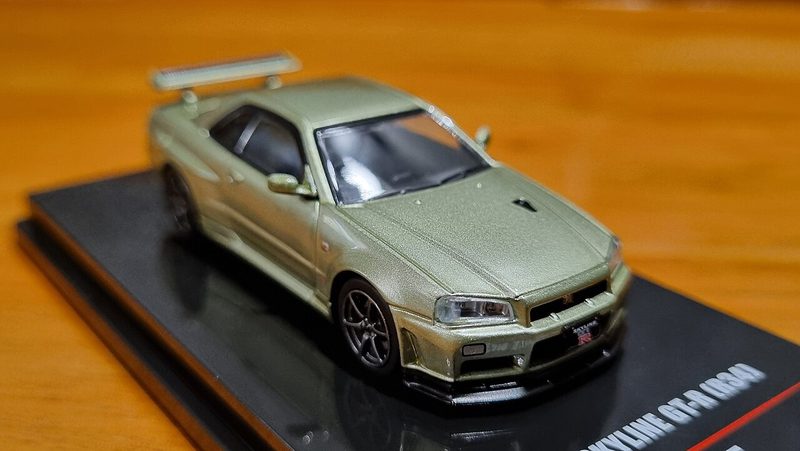
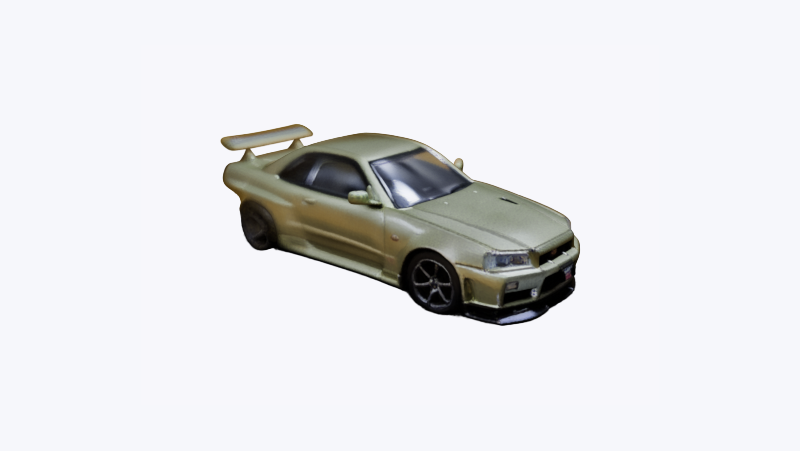
What is TripoSplat?
TripoSplat is a generative model released by VAST-AI / TripoAI that, in the words of its repository, "converts a single 2D image into high-quality and variable number of 3D Gaussians." Unlike photogrammetry pipelines that need 20 or more photos or a walkaround video, TripoSplat infers the unseen sides of your subject from one image.
Three things make it stand out:
- Adjustable detail. The Gaussian count is selectable up to 262,144, so you can — as the README puts it — "trade off visual quality against rendering cost according to your need."
- Standard output. The exported
.ply/.splatfiles open in any 3D Gaussian Splat viewer. - MIT license, including the weights. The repository states that "TripoSplat code and weight models are released under the MIT License." That matters more than it sounds — see the comparison with Apple's SHARP below.
What is it best at? The official ComfyUI blog, which announced native TripoSplat support, says the model "is especially good at stylized subjects such as characters, props, and creative designs where look and detail matter." Think game assets, figures, products — objects, rather than whole rooms or landscapes.
TripoSplat has a sibling model you may have seen: TripoSR, built by Tripo AI together with Stability AI. TripoSR outputs a classic textured mesh (OBJ/GLB) from a single image; TripoSplat outputs Gaussian Splats. Same input, different kind of 3D.
Wondering how TripoSplat stacks up against Apple's SHARP and Microsoft's TRELLIS? See TripoSplat vs SHARP vs TRELLIS.
Step-by-Step: From a Single Image to a Gaussian Splat
The quickest path uses SplatDrop, a free browser Gaussian Splat generator. Disclosure: SplatDrop is an independent product built on the open-source TripoSplat model by VAST-AI / TripoAI, running on fal.ai. Not affiliated with VAST-AI / TripoAI.
Step 1 — Upload your image
Go to the free generator to convert an image to a gaussian splat online free. Drag a single image onto the upload area. PNG or JPG works; pick an image where the subject is clearly separated from the background — a product shot, a character render, a toy on a table.
Step 2 — Convert
Click convert and wait. The model runs on a cloud GPU, so nothing is installed on your machine and no graphics card is required. In our own testing across a range of single-object photos, conversions finished in roughly 10–20 seconds, and every run returned a full-resolution splat of 262,144 Gaussians (about a 17 MB .ply file).
Step 3 — Preview in 3D
When the splat is ready you can orbit around it directly in the browser. Check the back and sides: everything the camera never saw was inferred by the model, which is where single-image generation shows its limits.
Step 4 — Download .ply or .splat
.ply is the most widely supported Gaussian Splat format; .splat is a compact alternative some web viewers prefer.
Step 5 — Open it in a splat viewer
Drag the file into our free Gaussian Splat viewer (renders in your browser, nothing uploaded), or into SuperSplat (free, browser-based) to view, crop, and clean up the splat. If you plan to use it in Blender, Unity, or Unreal, keep the .ply — that is what most engine plugins expect.
What Images Work Best?
TripoSplat always returns a fixed 262,144-Gaussian splat, so every image technically "succeeds" — but whether the result is usable depends on the subject. Based on the model's stated strengths (stylized subjects, characters, props) and the input types we ran through it, here is a working checklist.
Good candidates
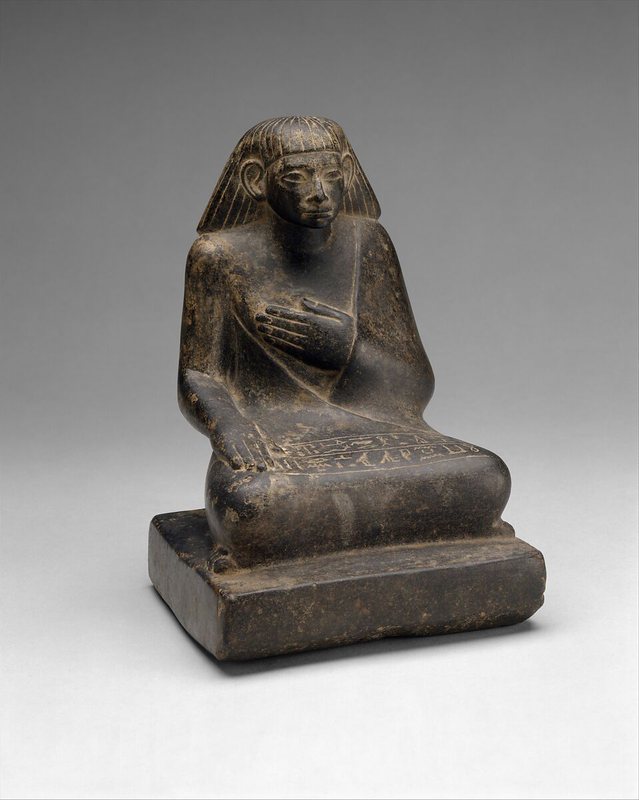
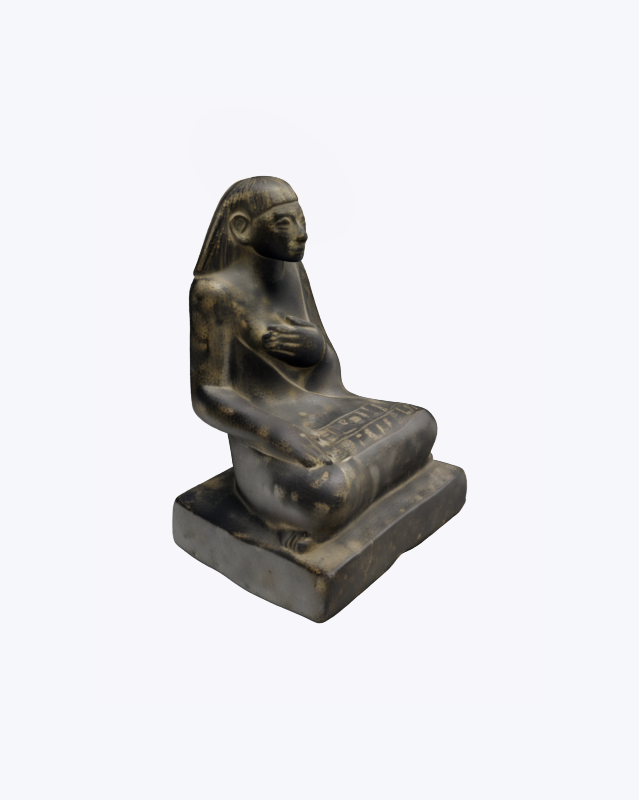
- One clear subject, centered, fully inside the frame
- Even lighting, minimal harsh shadows
- Simple or plain background
- 3D-looking subjects: figures, products, vehicles, sculpts
Likely to disappoint
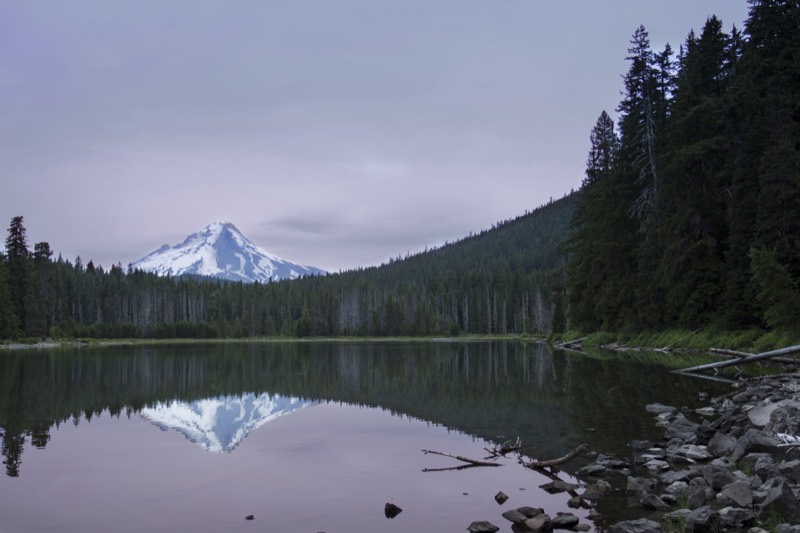
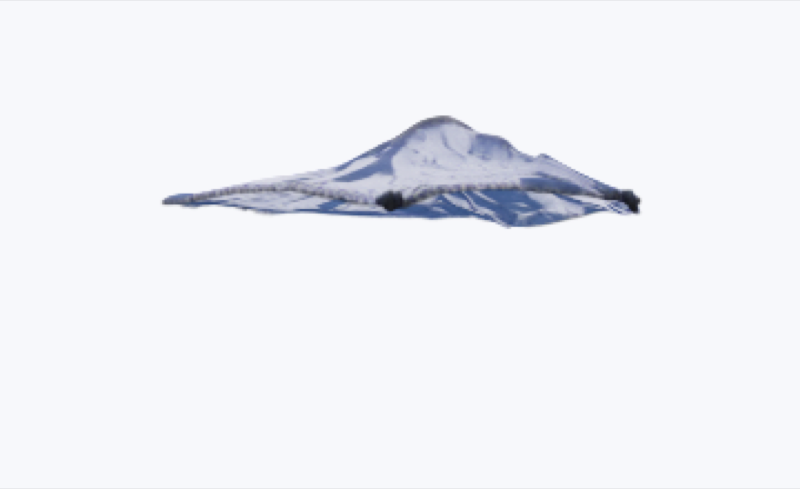
- Whole scenes, rooms, or landscapes (use a scene-oriented model instead)
- Multiple overlapping subjects
- Heavy motion blur or extreme close-ups
- Flat artwork — the model has no depth cues to work from
Five Ways to Run TripoSplat
| Method | Runs where | Cost | Signup | Best for |
|---|---|---|---|---|
| SplatDrop | Browser | Free | None | Fastest start: upload, preview, download .ply/.splat |
| Official Hugging Face Space | Browser (ZeroGPU) | Free, daily GPU quota | Optional, raises quota | Trying the model exactly as VAST-AI ships it |
| ComfyUI native template | Your PC + your GPU | Free | None | Node-based workflows; chain with other ComfyUI nodes |
| fal.ai API | Cloud API | $0.05 per generation | Required | Developers integrating splat generation into an app |
| Local install from GitHub | Your PC + your GPU | Free (MIT) | None | Full control, batch jobs, research |
Notes from testing the official options:
- The Hugging Face Space runs on ZeroGPU. Per Hugging Face's published tiers, anonymous users get about 2 minutes of daily GPU time with low queue priority; a free account raises that to 5 minutes with medium priority. Heavy use means waiting in line.
- The Space exposes the full parameter set: seed, inference steps, guidance scale, a Gaussian-count dropdown (32,768 / 65,536 / 131,072 / 262,144) and PLY or SPLAT output.
- ComfyUI added TripoSplat as a native template in v0.23.0 — open the Template Library and search "TripoSplat". This route runs entirely on your own GPU.
TripoSplat vs SHARP vs TripoSR
Three single-image-to-3D models are getting attention right now, and they are not interchangeable:
Apple SHARP (open-sourced December 2025) turns one photo into a scene-style splat — a photorealistic view of the depicted scene that you can move around in slightly. It is fast and impressive, but its model weights ship under Apple's research license, which states that research purposes "does not include any commercial exploitation, product development or use in any commercial product or service." If your splat is going into anything commercial — a client project, a game, a product page — SHARP's weights are off the table.
TripoSplat is object-centric: it generates a standalone subject you can orbit fully, drop into an engine, or composite into a scene. Its code and weights are MIT-licensed, so commercial use is permitted.
TripoSR solves a different problem: it produces a textured mesh, not a splat. If your pipeline needs classic geometry (retopo, UVs, 3D printing), start there instead.
Rule of thumb: scene memory → SHARP (non-commercial only); usable 3D asset → TripoSplat; editable mesh → TripoSR.
Troubleshooting
My .ply opens as a cloud of dots in Blender or MeshLab.
Nothing is broken. A Gaussian Splat .ply stores per-splat parameters — position, color (the f_dc fields), opacity, scale, and rotation — not connected mesh geometry, so mesh tools render it as bare points. Open the file in a splat viewer like SuperSplat, or install a 3DGS add-on in Blender. Need a solid surface instead of points? See how to convert a Gaussian splat to a mesh. (A full Blender import guide is coming next on this site.)
The back of my model looks mushy or invented.
Expected. The model only saw one side of your subject and generated the rest. Choose input images that show the subject's most important side, and prefer subjects with predictable symmetry.
The Hugging Face Space keeps queueing or says my GPU quota ran out.
That is ZeroGPU's daily limit, not a bug. Sign in to raise the quota, wait for the reset, or use one of the other four methods above.
The file is huge or my viewer stutters.
Lower the Gaussian count. 262,144 is the maximum quality setting; 65,536 or 131,072 renders faster and is often enough for web embeds.
FAQ
- Is SplatDrop affiliated with VAST-AI / TripoAI?
- No — SplatDrop is an independent product. It builds on the open-source TripoSplat model by VAST-AI / TripoAI, and the hosted conversion runs on fal.ai.
- Can I use TripoSplat splats commercially?
- TripoSplat's code and weight models are released under the MIT License, which permits commercial use. You are still responsible for having the rights to the image you upload.
- Do I need a GPU to use TripoSplat?
- No. Browser options like SplatDrop and the official Hugging Face Space run the model on cloud GPUs. You only need your own GPU if you install TripoSplat locally or run it inside ComfyUI.
- What is the difference between TripoSplat and TripoSR?
- TripoSR generates a textured 3D mesh (OBJ or GLB) from a single image, while TripoSplat generates 3D Gaussian Splats (.ply or .splat). Use TripoSR when you need a classic mesh and TripoSplat when you want the photoreal, view-dependent look of splats.
- Why does my .ply file open as flat dots instead of a 3D model?
- Gaussian splat .ply files are not mesh files. Blender and MeshLab import them as plain point clouds, which looks like dots. Open the file in a Gaussian Splat viewer such as SuperSplat, or use a 3DGS add-on in Blender.
- How many Gaussians can TripoSplat generate?
- Up to 262,144 Gaussians per splat. The count is adjustable, so you can trade visual quality against file size and rendering cost.